
Dotflick
Speaker Cleaner: Clear Sound
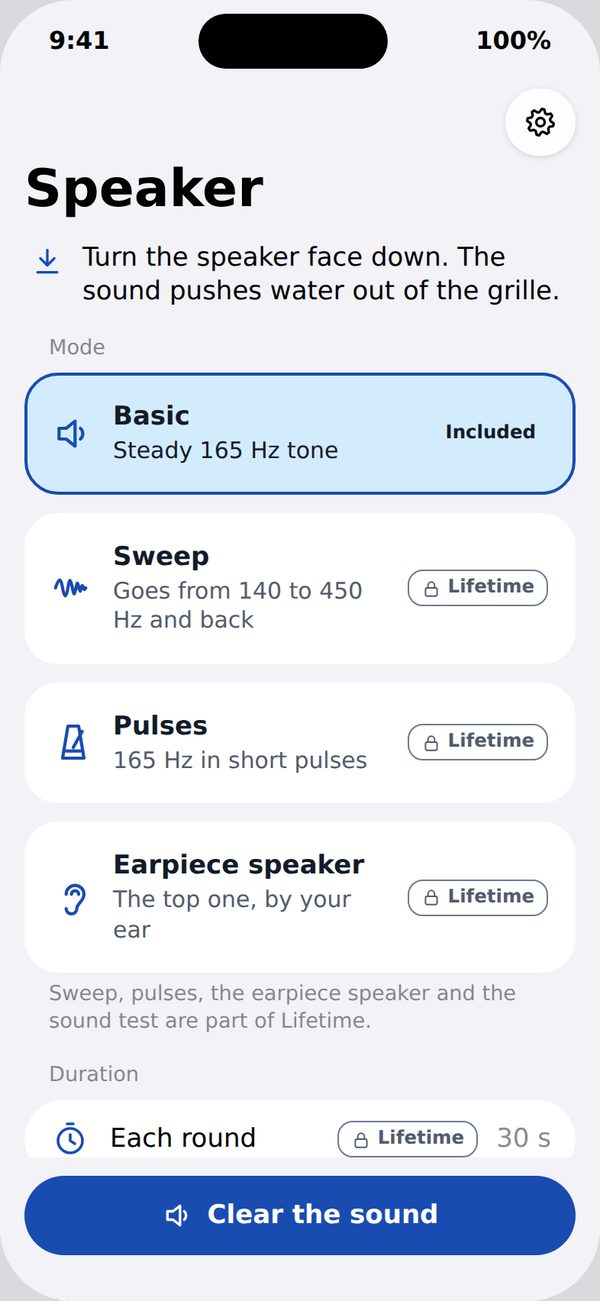
Turn the speaker face down and tap Clear the sound. A steady low tone pushes water drops and dust out of the grille, then you check by ear.
Coming soon to the App Store for iPhone.
How it works
-
One button, a steady low tone
Basic cleaning plays a fixed low tone for one round, as often as you need. It is yours to keep, with no ads, no account and no subscription.
-
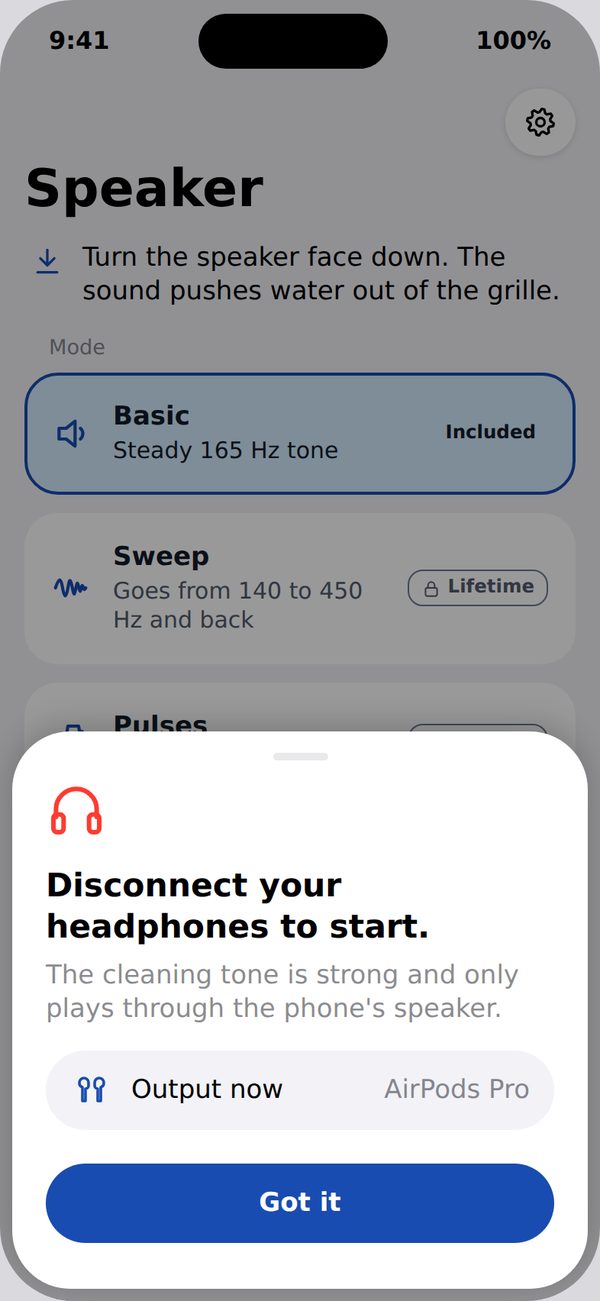
It waits for your headphones to come off
The cleaning tone is strong and only plays through the phone's speaker. With headphones, AirPods or a Bluetooth speaker connected, the app does not start, and it stops at once if the sound moves to another output.
-
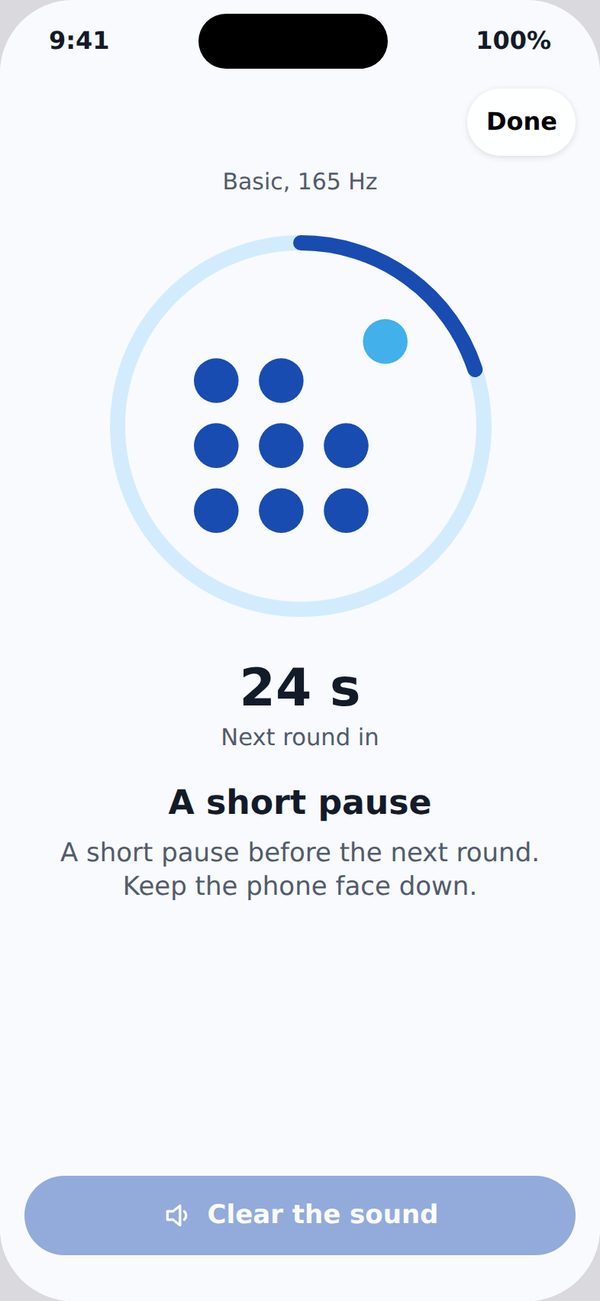
Pauses that look after the speaker
The volume has a ceiling below the maximum, and the app takes a short pause between rounds and a longer one after several rounds in a row. Keep the phone away from your ear while it plays.
-
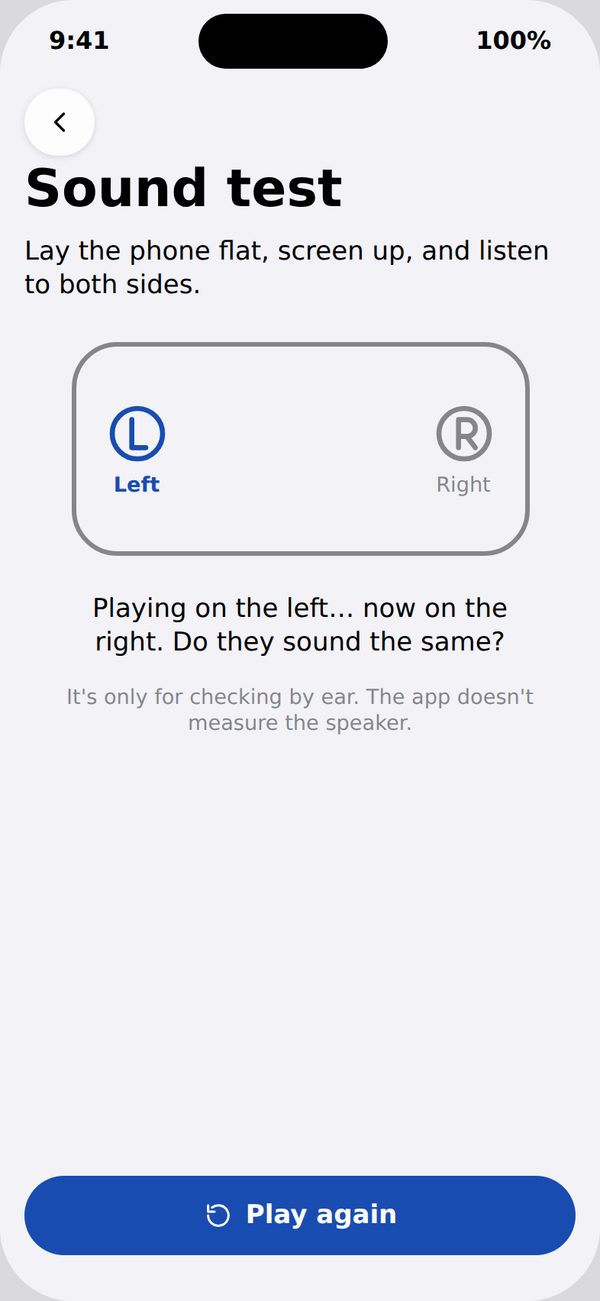
Check by ear
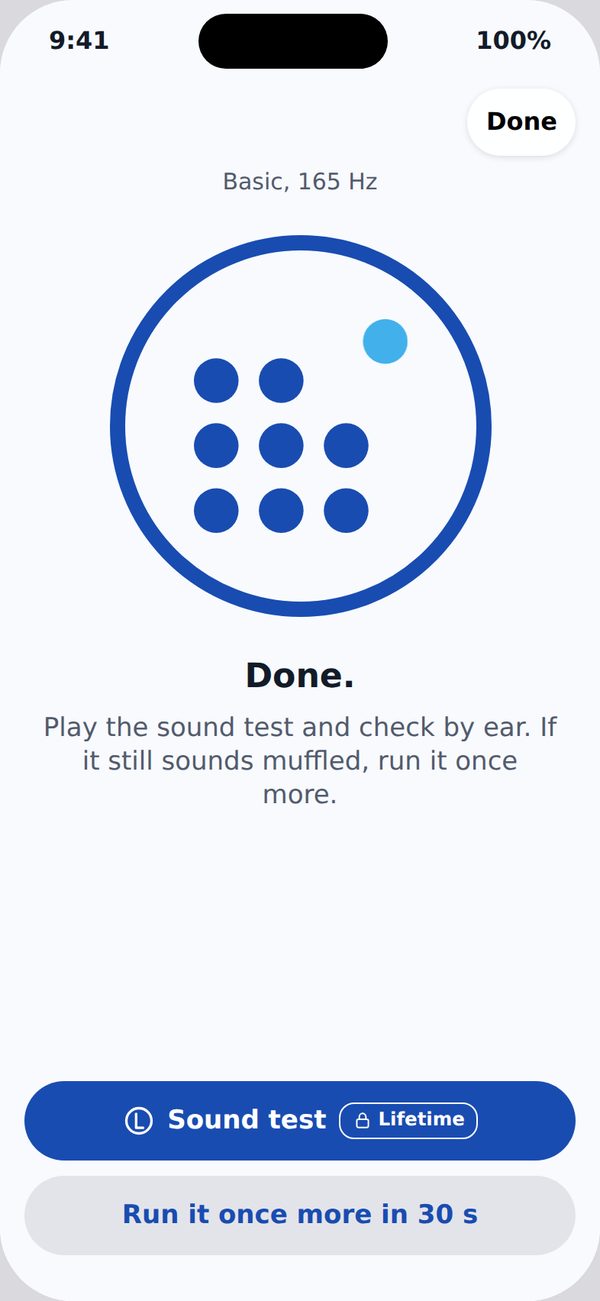
The sound test plays on the left and then on the right, so you can hear whether both sides sound the same. If it still sounds muffled, run another round.
-
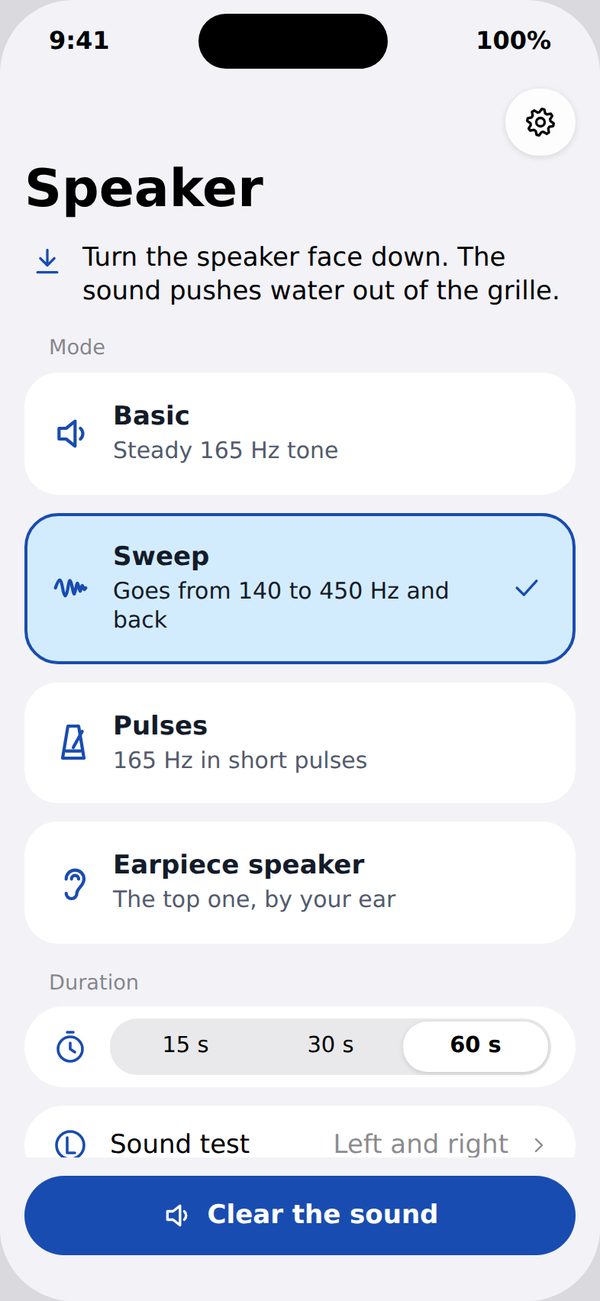
Lifetime, in one purchase
A one-time purchase adds a frequency sweep, pulses, adjustable duration, the sound test, the Action button, a Control Center control and a widget. Basic cleaning never goes away.
What sound cleaning can do
What it does
The tone makes the speaker move air in short, low pulses. That helps shake drops and dust out of the grille, the small holes you can see.
What it does not do
It does not dry the inside of the phone and it cannot undo water damage. If the sound stays muffled after a few rounds, let the phone dry and contact Apple or an authorized service provider.
Private by design
- No microphone. The app never asks to record and never listens.
- No account, no ads and no tracking.
- Your cleaning sessions stay on your phone: mode, duration and volume are never sent.
- Our server keeps only an anonymous token, the Apple Ads campaign that led to the install (if any), the record of your purchase and totals with no identifier.
Read the Privacy Policy or see how data deletion works.